
Print Resources & FAQs
Envelope Printing
Learn about envelope sizes, window placement, security tint, ink and color options, and what we need from you to put together an accurate quote.
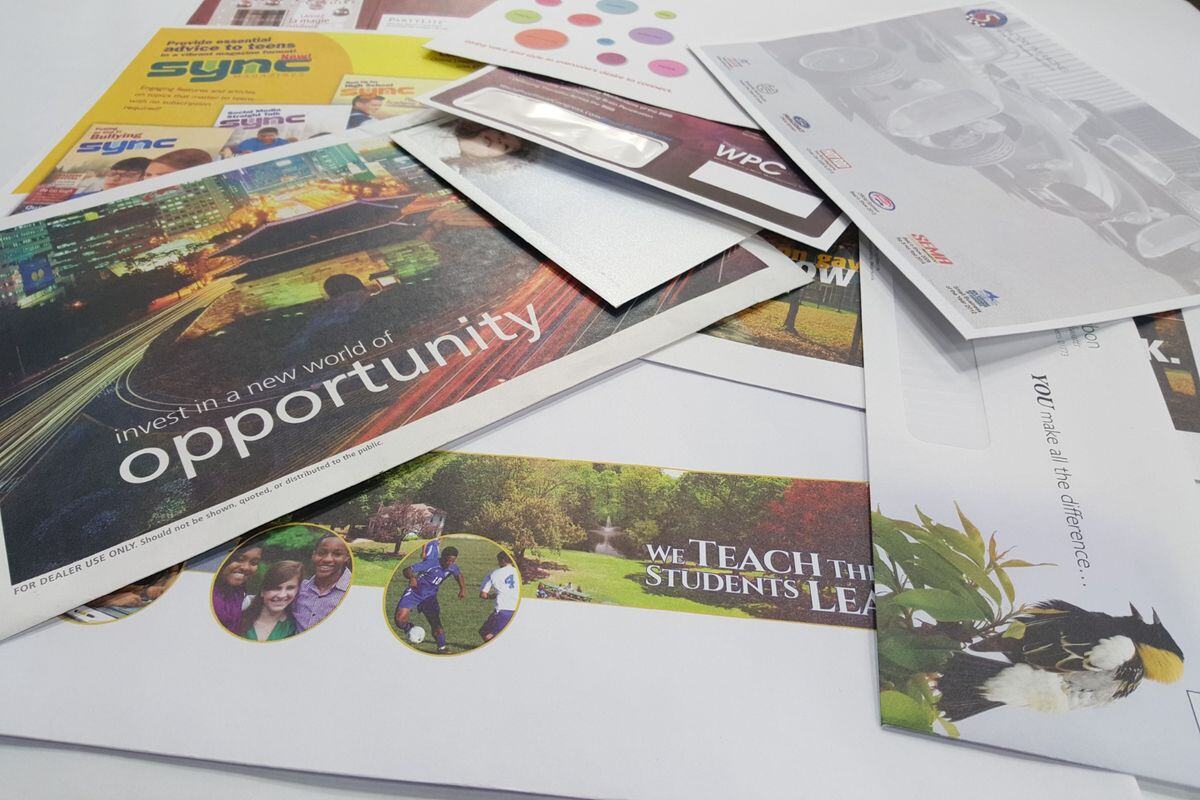
Popular Envelope Questions
- What is a #10 envelope?
- A #10 envelope is the standard business envelope size used for invoices, statements, letters, general business correspondence, and many direct mail campaigns. It measures 4 1/8" x 9 1/2" and is commonly used with letter-size documents folded into thirds or legal-sized documents folded into quarters.
- What is a #9 reply envelope?
- A #9 envelope is commonly used as a reply or return envelope. It measures 3 7/8" x 8 7/8" and fits inside a #10 envelope, making it useful for invoices, donations, payments, and response mailings.
- Window vs. regular envelopes?
- A regular envelope, also common referred to as a closed face envelope, has a solid front with no window. A window envelope has a clear opening that allows the recipient’s address to show through from the document inside. Window envelopes are commonly used for invoices, statements, notices, and other mailed documents.
- How to measure envelope window size and position?
- Window size is measured by the height and width of the window opening. Window position is measured from the left edge and bottom edge of the envelope to the window. Accurate measurements help make sure the address shows correctly through the window.
- #10 Standard Window: 1 1/8" H x 4 1/2" W and is located 7/8" L x 1/2" B
- Window size is measured by the height and width of the window opening. Window position is measured from the left edge and bottom edge of the envelope to the window. Accurate measurements help make sure the address shows correctly through the window.
- What is security tint on an envelope?
- Security tint is a printed pattern on the inside of an envelope that blocks the contents from being seen through the paper. It is commonly used for checks, invoices, statements, medical communications, and any mailing that contains private or sensitive information.
- When to use security tint?
- You should use security tint envelopes whenever mailing Personally Identifiable Information (PII) such as health insurance EOB, financial and banking documents, HIPAA information, and more.
- Booklet vs. Catalog envelope?
- A booklet envelope opens on the long side. A catalog envelope opens on the short side. Booklet envelopes are often used for brochures, booklets, and marketing materials. Catalog envelopes are typically used for documents, forms, and flat materials that cannot be folded.
- What are common envelope sizes for business mailings?
- Common business envelope and direct mail envelope sizes include #10, #9, 6x9, 6x9.5, 9x12, and 10x13. The right size depends on the contents, whether documents need to be folded, mailing requirements, and how the envelope will be used.
- Black vs. 1-color vs. 2-color vs. 4-color envelope printing?
- Black and 1-color printing uses a single ink, which may be black or a specific spot color.
- 2-color printing uses two inks, often a logo color and a return address.
- 4-color printing uses process color to reproduce full-color graphics, images, and detailed designs.
- The right choice depends on the artwork, budget, and production method.
- What information is needed to quote envelope printing?
- A quote generally requires the envelope size, quantity, paper type if known, window or regular style, number of ink colors, artwork or logo files, whether security tint is needed, delivery location, and timing.
- The more specific the information, the more accurate the quote.
Artwork & File Setup
BSE Print Solutions reviews every file before it goes to press, whether it's coming from a marketing team, a designer, or a first-time print buyer sending artwork for the first time.
Find answers about print-ready PDFs, bleed, crop marks, image resolution, vector artwork, and color matching, so your file arrives ready for production.
Popular Artwork Questions
- What file type should I send for printing?
- For most print projects, a print-ready PDF is the best file to send. It preserves fonts, layout, and color settings in a format production teams can use directly. For logos and design elements, vector files such as AI, EPS, or SVG are also helpful. High-resolution images should be at least 300 DPI at the final printed size.
- For most print projects, a print-ready PDF is the best file to send. It preserves fonts, layout, and color settings in a format production teams can use directly. For logos and design elements, vector files such as AI, EPS, or SVG are also helpful. High-resolution images should be at least 300 DPI at the final printed size.
- What is bleed in printing?
- Bleed is extra artwork that extends beyond the intended trim edge of a printed piece. It is used when a color, image, or design is meant to print all the way to the edge after cutting. Without bleed, small white edges can appear along the borders of the finished piece.
- What are crop marks?
- Crop marks are small lines placed outside the artwork area to indicate where the printed piece should be trimmed. They guide production teams to cut the piece to the correct finished size.
- What image resolution is needed for printing?
- Images used for print should be at least 300 DPI at the final printed size. Images that look sharp on a screen may appear blurry, soft, or pixelated in print because screens display at a much lower resolution than commercial printing requires.
- Why don’t printed colors always match my screen?
- Screens produce color using light, while printing uses ink or toner on paper. Monitor calibration, paper type, ink coverage, lighting conditions, and print method all affect how colors appear in the final piece. Providing CMYK files and reviewing a physical proof when color accuracy matters helps manage expectations.
- What is the difference between RGB and CMYK?
- RGB is a color mode used by screens and digital displays. CMYK is used for most commercial printing. Artwork built in RGB may shift in color when converted for print production. For printed pieces where color accuracy is important, working in CMYK from the start or reviewing a proof before production is a good practice.
- What does print-ready artwork mean?
- Print-ready artwork is a file that is properly sized, includes bleed if needed, uses high-resolution images, is set up in the correct color mode, and has fonts embedded or outlined. A print-ready file can go directly into production with minimal adjustment.
- What is vector artwork and why does it matter for printing?
- Vector artwork is built from mathematical shapes and lines rather than pixels. It can be scaled to any size without losing quality. Logos and line art are almost always best supplied as vector files. Raster images like photographs cannot be converted to true vector files by simply changing the format.
- Can I use a logo from my website for printing?
- Usually not without adjustment. Website logos are typically low resolution, often 72 DPI, and saved in RGB color mode. A logo pulled from a website will often print blurry or with unexpected color shifts.
- Can BSE help fix my artwork?
- Yes, BSE Print can help fix your artwork. With a full team of design and prepress professionals on-site, we can help make your file ready for print.
Direct Mail & Mailing Services
Understand EDDM, targeted mailings, postcard sizes, mailing lists, postage, and how print and mail projects are handled.
Popular Direct Mail Questions
- What is EDDM?
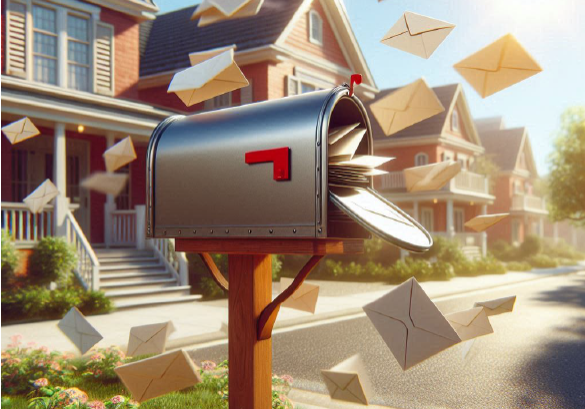
- EDDM stands for Every Door Direct Mail. It is a USPS mailing option that delivers mail to every address on selected postal carrier routes, without requiring a specific mailing list. It is commonly used for local promotions, restaurant menus, real estate announcements, and community mailings.
- What is targeted direct mail?
- Targeted direct mail uses a specific mailing list based on customers, prospects, geography, demographics, purchase behavior, business type, or other defined criteria. Unlike EDDM, it reaches a selected audience rather than every address in a geographic area.
- What is the difference between EDDM and targeted direct mail
- EDDM delivers to every address on chosen postal routes and does not require a mailing list. Targeted direct mail reaches a defined list of recipients and allows for more specific audience selection. EDDM tends to be simpler and lower cost per piece. Targeted mail is better when the audience needs to be more precise.
- What postcard sizes work best for mailing?
- Common postcard sizes include 4" x 6", 5" x 7", 6" x 9", and 6" x 11". The right size depends on the message, design, postage class, budget, and mailing goals. Larger formats tend to get more attention but cost more to produce and mail.
- Not all postcard sizes mail at the same rate. Smaller cards typically qualify for the discounted USPS postcard rate, with larger ones mailed at the letter rate, while going oversize can push a piece into flat rate territory.
- Common postcard sizes include 4" x 6", 5" x 7", 6" x 9", and 6" x 11". The right size depends on the message, design, postage class, budget, and mailing goals. Larger formats tend to get more attention but cost more to produce and mail.
- When does a mail piece become a "flat" instead of a letter?
- USPS classifies a mail piece as a letter only within specific size and thickness limits, roughly 11 1/2" long, 6 1/8" high, and 1/4" thick. Once a piece exceeds those limits, USPS reclassifies it as a flat, which carries a noticeably higher postage rate. This often happens without anyone intending it: an added insert, a slightly bigger design, or an extra page can push a piece over the threshold and increase postage across an entire mailing.
- What affects postage cost?
- Postage is affected by mail piece size, weight, paper thickness, postage class, address quality, automation compatibility, sorting, and mailing quantity. Pieces that do not meet USPS automation standards may require higher postage rates.
- What to watch out for when printing that affects postage?
- Important mailing considerations include size and weight requirements, whether the piece stays within letter-size limits or crosses into flat-size postage, address placement, USPS barcode clear zones, indicia placement, fold and tab requirements, paper thickness, and whether the piece qualifies for the intended postage rate. Getting these right before production avoids costly corrections or re-mailings.
- Is direct mail still effective?
- Direct mail is still effective and with physical mail being less cluttered than digital channels for many audiences, it can improve response rates.
Commercial Printing
BSE Print offers commercial printing alongside our core envelope and apparel work, running both digital and offset jobs for businesses, nonprofits, and organizations we already serve.
Understand the differences between digital and offset printing, how paper and stock choices affect the final piece, common fold types, and what to expect from a commercial print project.
Popular Commercial Printing Questions
- What is the difference between Digital vs. offset printing?
- Digital printing applies ink or toner directly from a digital file and is well suited for shorter runs, faster turnaround, and variable data.
- Offset printing transfers ink through plates and a blanket onto paper and is often more cost-efficient for larger quantities, specific paper choices, and precise color control.
- When to choose digital printing?
- Digital printing is a practical choice for short runs, quick-turn projects, personalized or variable data pieces, small batches, proofs, and jobs where setup speed matters more than cost per unit.
- When to choose offset printing?
- Offset printing tends to be a better choice for larger quantities, jobs requiring specific color control, certain paper stocks, and projects where the cost per unit becomes more efficient at higher volumes.
- What does "stock" mean in printing
- Stock refers to the paper, envelope, board, or other substrate being printed on. Stock varies by weight, finish, color, thickness, coating, and intended use. Choosing the right stock affects the appearance, feel, durability, and mailing compatibility of the finished piece.
- What paper should I choose for my print project?
- The right paper depends on the project type, budget, desired feel, durability, mailing requirements, and how the piece will be used. Brochures, postcards, forms, business cards, and envelopes each have different paper needs. When in doubt, request samples before committing to a large quantity.
- What types of folds are common in commercial printing?
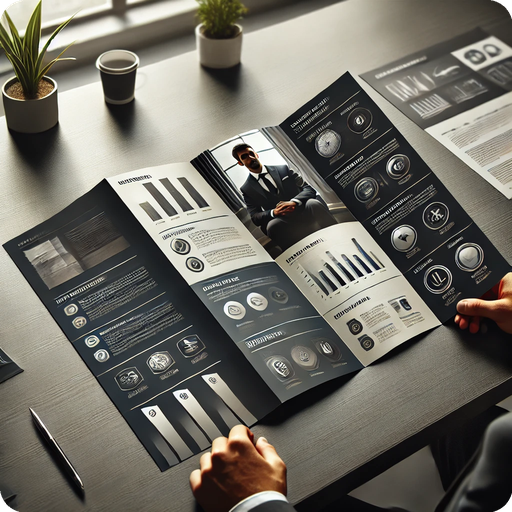
- Common folds include the half fold, tri-fold, Z-fold, gate fold, accordion fold, and double parallel fold. The best option depends on the content, design, page count, mailing requirements, and how the piece will be distributed or displayed.
- What affects the cost of a print project?
- Print cost is influenced by quantity, size, paper or material type, number of colors, coatings or finishes, folds, bindery, personalization, mailing, turnaround time, and whether artwork is production-ready when submitted.
- What is the difference between text and cover stock?
- Despite sharing the same number, like 100# text and 100# cover, these are different paper weights. Cover stock is significantly thicker and more rigid than text stock. The US weight system uses different base sheet sizes for text and cover papers, which makes direct number comparisons misleading. Cover stock is most commonly used for business cards, covers, and postcards. Text stock is most commonly used for brochures, flyers, and inserts.
Apparel & Promotional Products
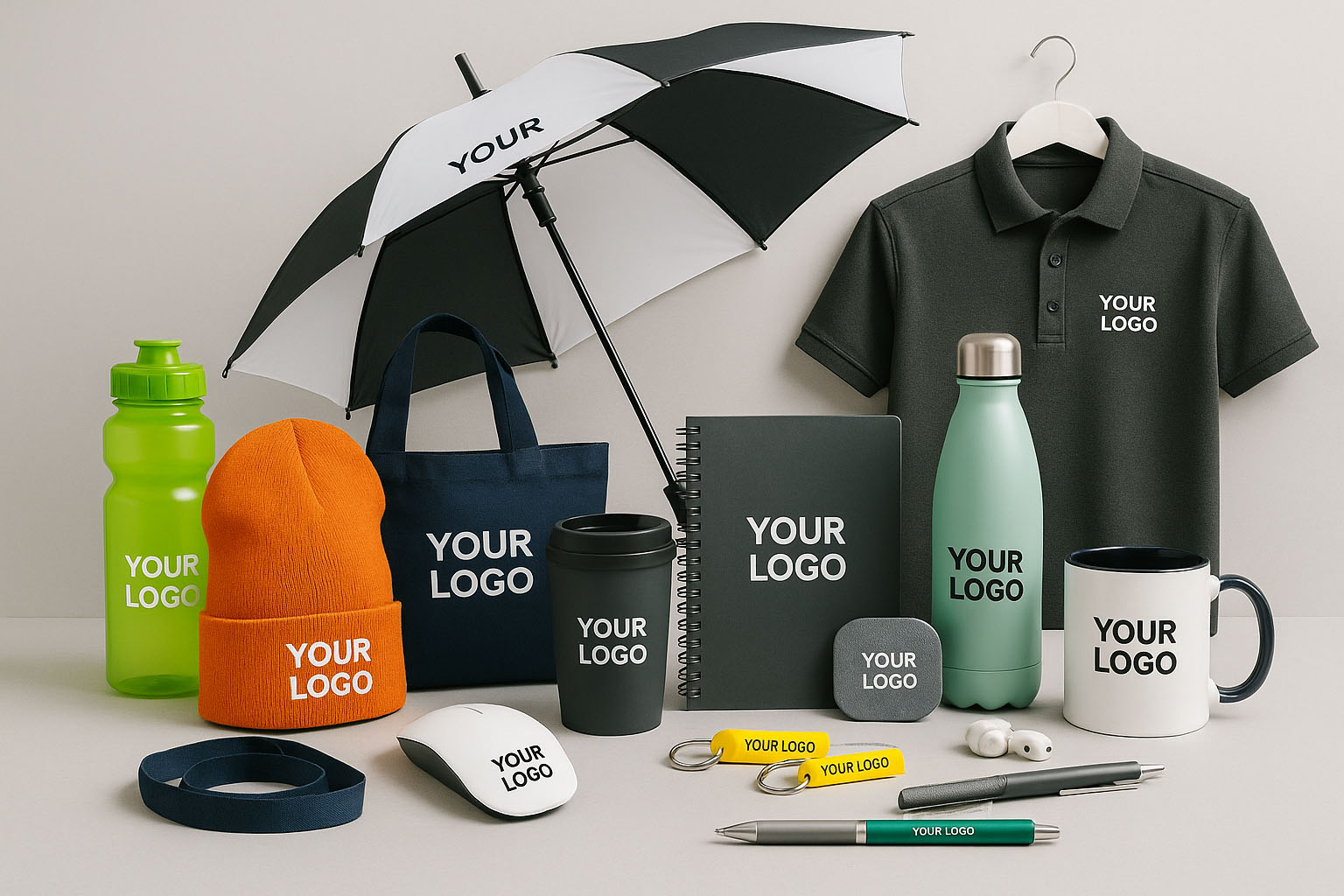
BSE Print decorates apparel and promotional products in-house using embroidery, DTF, and DTO, typically running orders in the 25 to 25,000 piece range for businesses and organizations outfitting teams, events, and ongoing programs.
Learn about embroidery, DTF, DTO, and how promotional product ordering works, including what file types to provide and how to choose the right decoration method for your project.
Popular Apparel and Promo Questions
- What is Embroidery?
- Embroidery is a decoration method that stitches thread directly into fabric. It produces a professional, textured look and is commonly used on polos, hats, jackets, uniforms, bags, and other branded apparel items.
- What is DTF printing?
- DTF stands for Direct-to-Film. A design is printed onto a transfer film and then applied to a garment using heat and pressure. DTF works well for full-color graphics, detailed designs, and smaller apparel quantities where embroidery may not be practical.
- What is the difference between embroidery and DTF?
- Embroidery uses stitched thread and produces a raised, textured result that is durable and associated with a professional look. DTF uses a printed transfer and is better suited for full-color graphics, photographic detail, and complex artwork. The best choice depends on the design, garment type, quantity, and intended use.
- Can every logo be embroidered?
- Not always without adjustment. Very fine lines, small text, gradients, and complex detail often need to be simplified for embroidery because thread has physical limits that ink does not. A process called digitizing converts the artwork into a stitch file, and some designs require modification to translate well into thread.
- What file type is best for apparel decoration?
- Vector artwork is the best starting point for both embroidery and DTF. Clean, high-contrast logos with clear outlines work best. For embroidery, the artwork will also need to be digitized into a stitch file. For DTF, a high-resolution transparent PNG or vector file is typically preferred. BSE Print can help make your file Embroidery or DTF ready.
- What is DTO printing?
- DTO stands for Direct-to-Object. It is a method for printing artwork directly onto certain rigid or semi-rigid promotional items, depending on the material, shape, and production requirements. It is commonly used for drinkware, awards, and other hard-surface promotional products.
- How does promotional product ordering work?
- Promotional product orders typically start with identifying the product type, quantity, decoration method, logo or artwork, required delivery date, and budget. Lead times vary significantly by product and supplier. Having artwork ready and confirming details early helps avoid delays, especially for event-specific orders.
Ordering, Quotes & Reorders
At BSE Print, every account works with a dedicated rep who knows your order history, so quoting, proofing, and reordering don't start from scratch each time.
Popular Print Ordering Questions
- How do I request a print quote?
- A useful quote request includes the product type, quantity, size, paper or material if known, number of ink colors, finishing requirements, delivery location, deadline, and artwork files if available. The more specific the information, the more accurate and useful the quote will be. Vague requests often result in estimated ranges rather than firm pricing.
- Why does a printer need so many details to quote a job?
- Small specification changes can significantly affect price, production method, material availability, and turnaround time. A quote based on incomplete information often changes once the full scope is known, which creates confusion. Providing clear details upfront leads to more accurate pricing and fewer surprises.
- What affects printing turnaround time?
- Turnaround is affected by artwork readiness, proof approval time, material availability, production method, quantity, finishing and bindery steps, mailing or shipping requirements, and the current production schedule. Submitting complete, print-ready files on time is the single biggest factor within a buyer's control.
- What is the difference between a PDF proof and a hard proof?
- A PDF proof is a digital file used to review layout, content, and general appearance before production. A hard proof is a physical sample produced to check color, paper, size, or print quality. Hard proofs are more accurate for color-critical work but add time and cost. Most jobs are approved from a PDF proof.
- Do I need to approve a proof before printing?
- In most cases, yes. Proof approval confirms that the file, layout, content, and specifications are correct before production begins. Skipping proof review increases the risk of errors that are costly or impossible to correct after printing.
- Can a printer store inventory for repeat orders?
- Many commercial printers offer inventory storage programs for customers with recurring print needs. This can reduce per-unit cost by allowing larger production runs while releasing quantities on demand. Programs vary by supplier, so it is worth asking about minimums, storage terms, and ordering procedures. At BSE Print, we offer climate controlled warehousing and fulfillment options.
- Can I reorder a previous print job?
- If the original files and job specifications are on file, reordering is usually straightforward. It is still worth confirming quantity, any artwork changes, delivery details, and timing. Specifications or paper availability can change over time, so confirming before production avoids surprises.
- What is a web-to-print portal?
- A web-to-print portal is an online platform where approved users can order pre-templated print, apparel, promotional, or branded materials. It helps organizations manage brand consistency, streamline repeat orders, control approval workflows, and give distributed teams access to approved materials without a full quoting process each time.
- What is the minimum order for envelope printing?
- Minimum order quantities for envelope printing vary by supplier, envelope type, and production method. Digital printing typically allows for lower minimums. Offset printing is more cost-efficient at higher quantities. It is worth asking your supplier about minimum quantities and how pricing changes at different quantity breaks.